

mMagezon (Free)
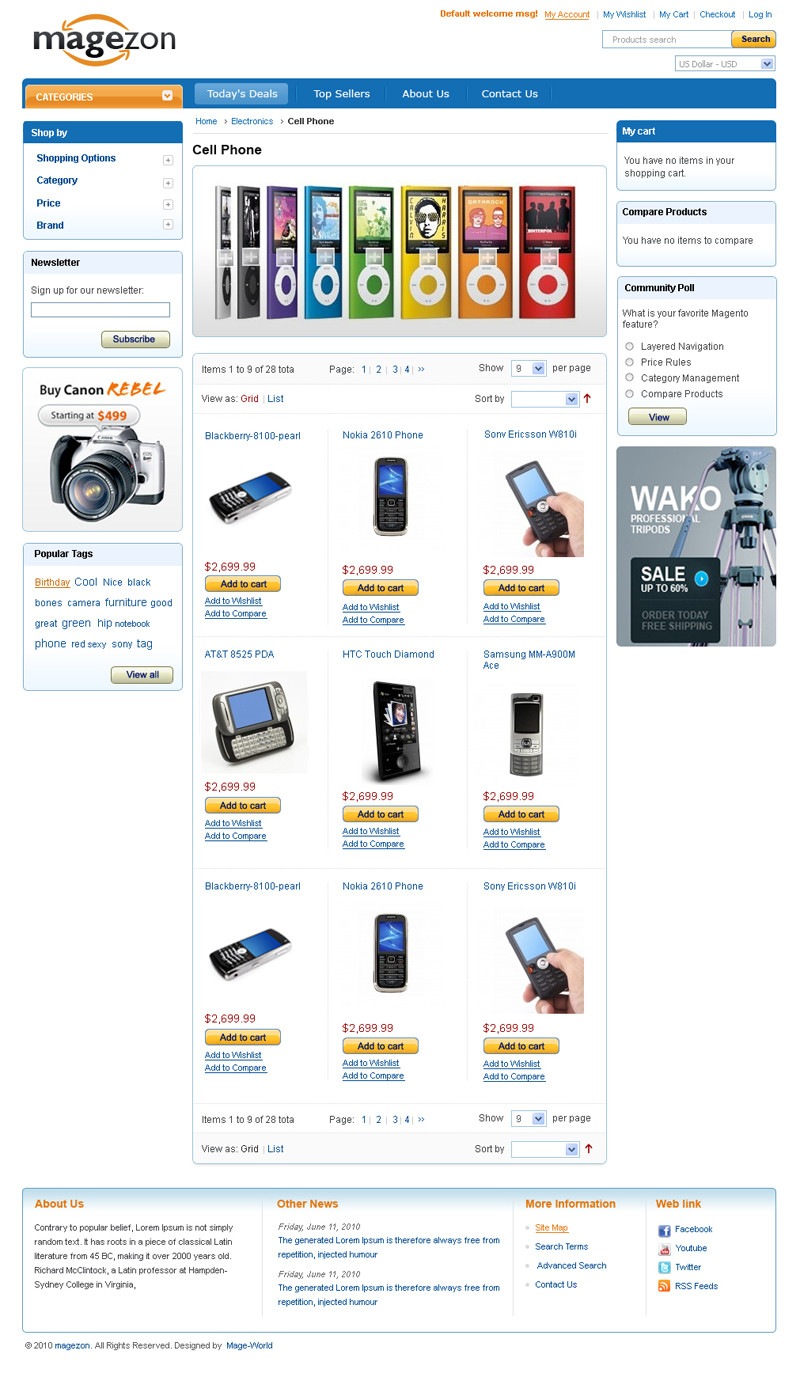
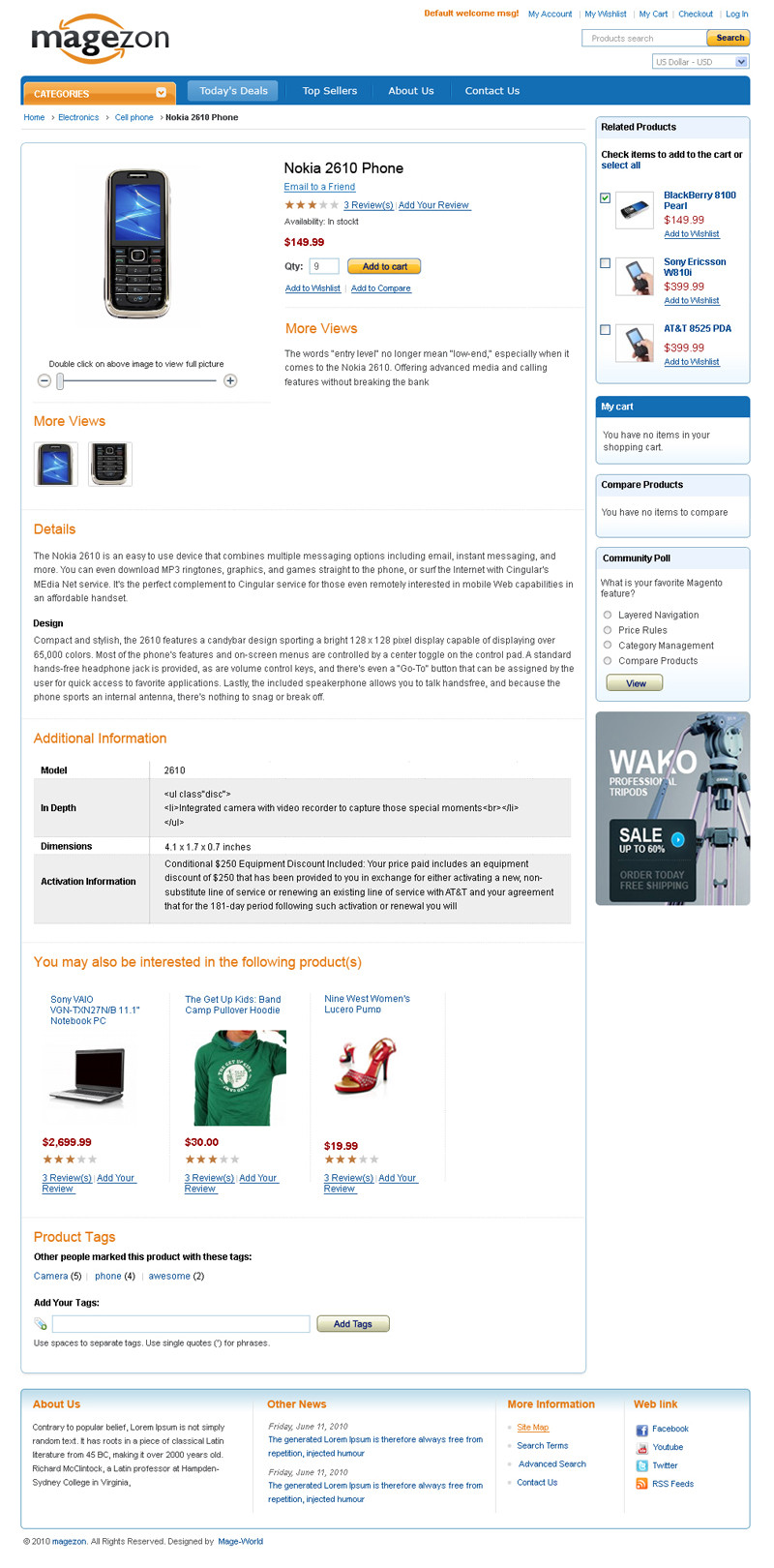
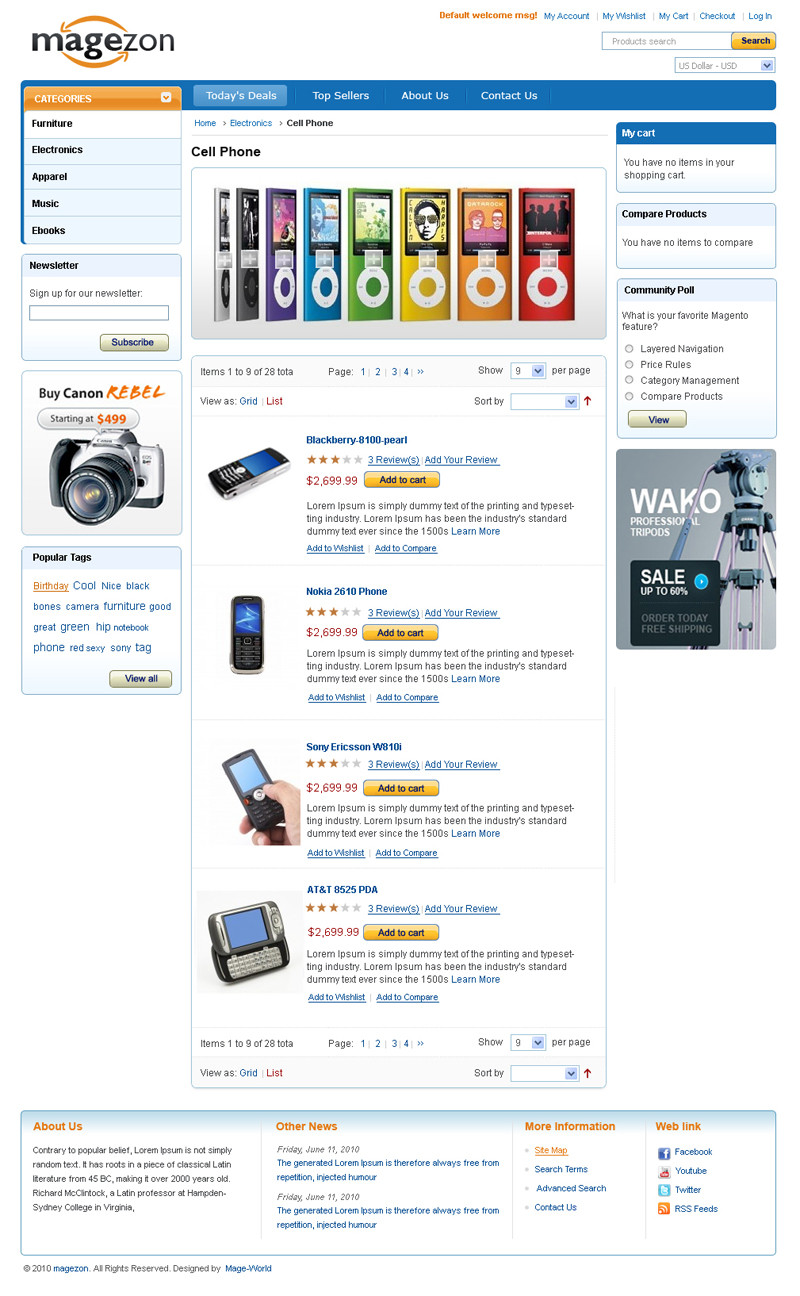
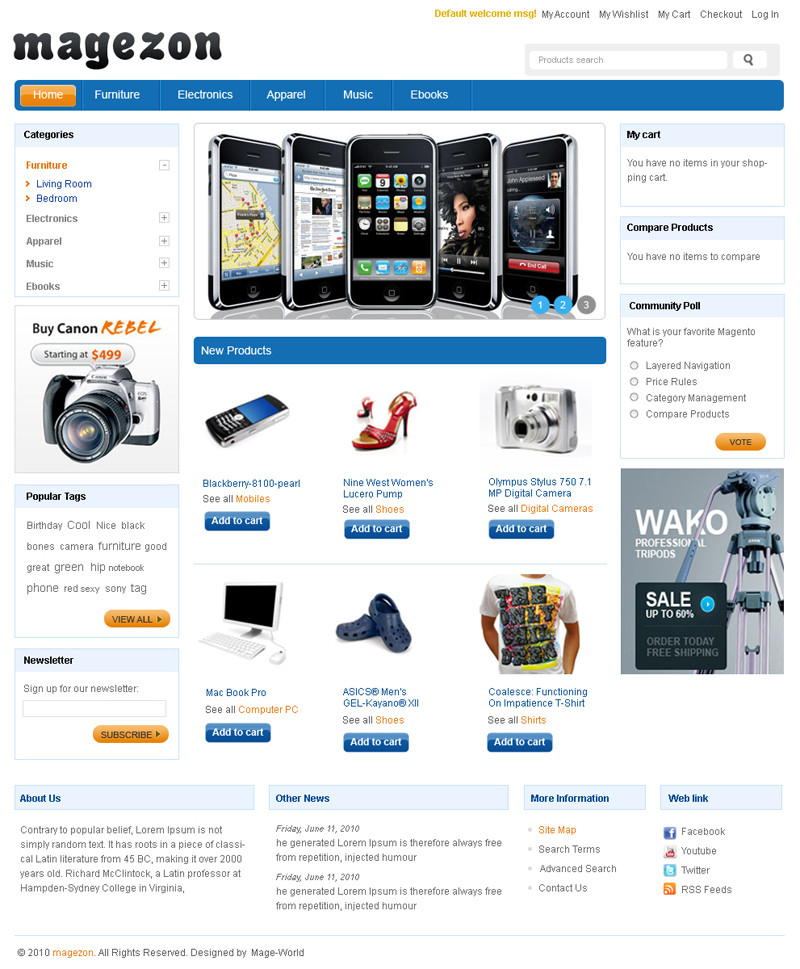
- Layout
Feature Full-List
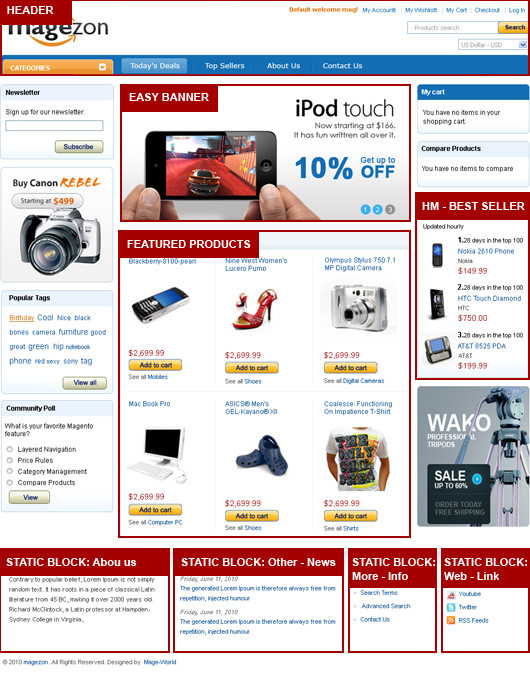
With the purpose of support your e-business for free, Mage-World is glad to introduce new free theme Magezon.
The saying "Simple is the best" is pretty right on Magezon. This theme attracts all viewers with its plain but efficiency, focuses on products show and displays functional modules clearly. It provides customers an ease when visiting a webshop with clear lay-out like this. Included is a great looking banner and very customizable sub pages.
Plus with that, this theme is HTML & CSS validated carefully by our experienced experts. Also, it is very easy to install, easy to use and edit.
Check out our other free Magento themes here.
License Note
(+) Allow: You have full permission to use or customize for your website or for your client website.
(-) Not allow: You are not allow to redistribute or resell this theme any where.
(*) Copyright: You must keep our copyright at the footer of the template. To remove it you have to purchase the theme with Remove Copyright option.
FEATURES
+ Compatible with all major browsers(IE6, IE7, IE8, FireFox, Safari, Chrome)
+ Optimized for fast loading
+ Easily customize with PSD files (included in the package)
+ SEO (Search Engine Optimization) compliant
+ W3C HTML & CSS validated carefully
ADDITIONAL EXTENSIONS
This theme uses Smart Menu extension, Easybanner extension.
Please contact us to get the additional extension if you have purchased it.
1. If you buy Smart Menu extension:
Go to Admin/System/Configuration/Smart Menu
+ Override Default Shop By: Yes, Accordion
+ Enable Left Menu: Yes, Accordion.
+ Enable Right Menu: No.
+ Auto Expanding Shop By on Load: No
+ Auto Collapse / Expand: Yes.
+ Category Top Level: Level 1.
+ Category Item Level: All.
Note: To know detail you can see in README.TXT file in Smart Menu folder.
2. If you buy Easybanner extension:
Goto Admin/Easy Banner
+ Goto Admin/Easy Banner/ Manage Banners and click into Add Banner button
*Banner information:
Identifier *: magezon
Title * : Your banner title
Show Title : No
Width (px) *: 510
Height (px)*: 244
Delay (ms) *: 2000
Status :Enable
+ Goto Admin/Easy Banner/ Manage Banner Items and click into Add Banner Item.
*Banner Item information:
Banner*: magezon
Content*:Banner item content
Note: To know detail you can see in README.TXT file in EasyBanner folder.
LIVE DEMO
http://demo.mage-world.com/1620/index.php/mmagezone/
* We are sorry but we can not offer free support for our free downloads. We do offer our inexpensive Installation package to fix most conflicts with other themes/extensions and customize your free theme/extension.
* Free Themes do not include additional extensions shown in pics/live demo.
Why should we choose MageWorld
Free
Life-Time Upgrade
Free
Life-Time Support
90 Days
Money Back
100%
Open Source
98% Customers
Satisfied
11 years
On The Market
Testimonials
Your satisfaction is our most value motivation

Ashley Rulin, Sales Manager
David Bleu, CEO
Steve Marshall
-

mHitech (Free)
Mage World is happy to introduce new free mHitech theme which fully support all Magento versions. This theme best fit products of technology world such as computer, camera, mobile phone, etc.
-
mLogo
New magento theme mLogo is now available. This promising theme can be applied to any kind of Magento web-shop.
Regular Price:
Special Price
-
mEbay (Free)
Mage-World is pleased to inform that new free theme mEbay is now available after two week wait.It is a basic magento theme with clean look and user friendly performance.


